audio-editing · General Audio Editing
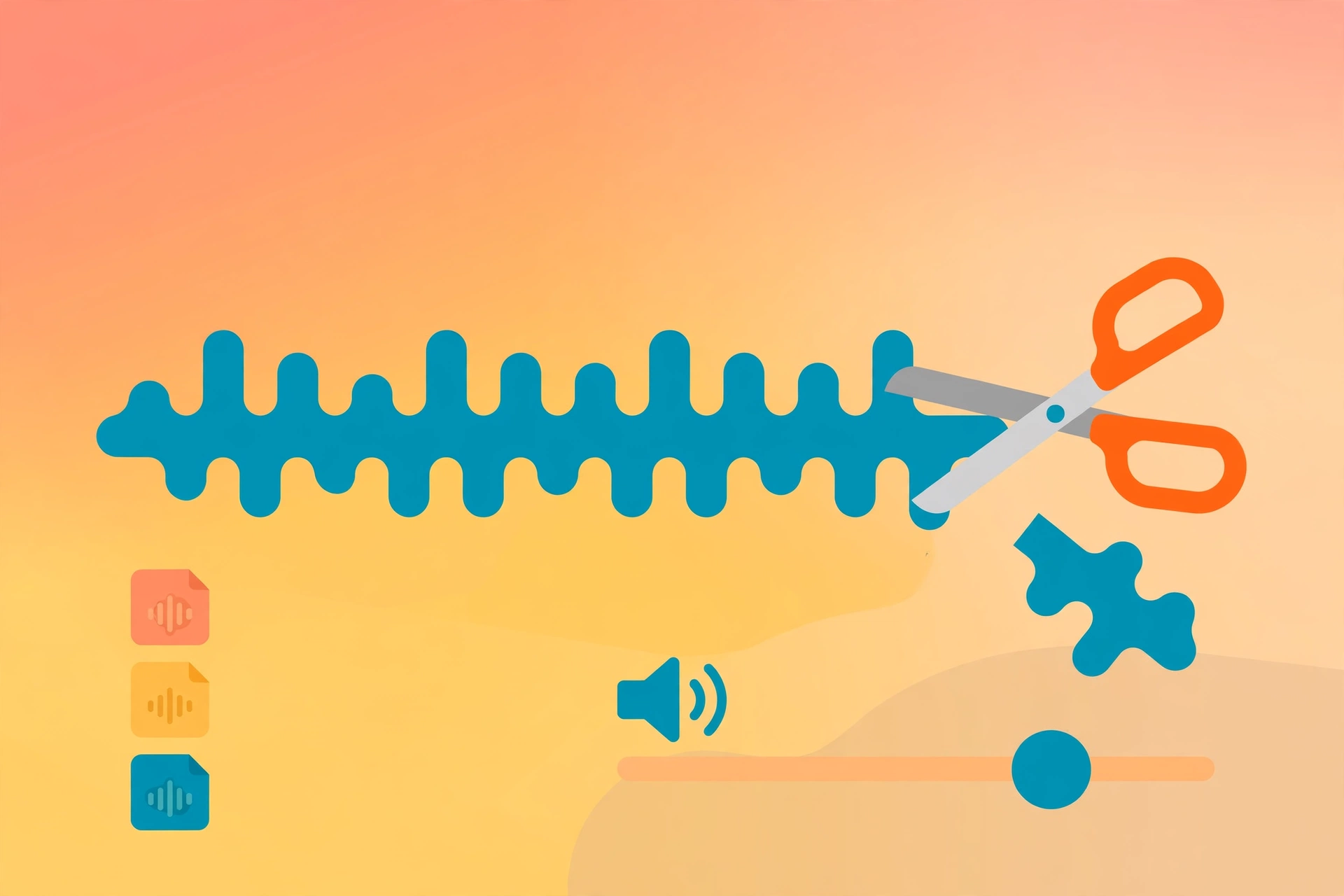
A general-purpose audio processing skill: trimming, format conversion, loudness normalization, audio extraction from video, multi-segment concatenation, fade in/out, pitch-preserving speed changes — plus a quick denoise fallback.
Everything runs through one deterministic audio_ops.py script — no hand-built ffmpeg commands. Every operation prints the actual command executed plus the output file's duration, bitrate, channels, and sample rate.
Example invocation: "Cut the first 10 seconds off this recording, convert it to mp3, and normalize the volume."
Full brief
Positioning
audio-editing is the general audio workbench: clipping/trimming, transcoding, loudness, audio extraction, concatenation, fades, and speed — the everyday audio operations outside of denoising, executed deterministically and reproducibly by a single script.
Core capabilities
- Trim: cut clips by start/end time or start+duration.
- Convert: transcode between wav / mp3 / m4a / aac / flac, with bitrate, sample rate, and channel options.
- Normalize: loudness normalization to -14 LUFS / -1.5 dBTP by default (the common social/podcast target).
- Extract: pull audio from mp4 / mkv / mov, with stream-copy mode that skips re-encoding.
- Concat: join multiple audio files in order, tolerating mixed sample rates and containers.
- Fade: custom fade-in/fade-out lengths, with fade-out auto-anchored to the end.
- Speed: pitch-preserving speed-up/slow-down via atempo, auto-cascaded beyond the 0.5–2.0× range.
- Denoise fallback: quick cleanup; for serious denoising use audio-denoise.
- Transparent execution: every operation prints the real ffmpeg command and output parameters.
Workflow
- Inspect first (
infoshows duration, bitrate, channels before anything runs) - Execute the chosen operation (trim / convert / normalize / extract / concat / fade / speed / denoise)
- Write new files to
outputs/<theme>/— originals are never deleted or overwritten
Inputs & outputs
| Input | Notes |
|---|---|
| input_file | Required — audio or video file path |
| operation | Required — operation type |
| output_file | Optional — defaults to outputs/<theme>/{name}-{op}.{ext} |
Output: the processed audio file plus the executed ffmpeg command and output parameters.
Boundaries with adjacent skills
- audio-denoise: the dedicated denoising skill — tier selection, model downloads, denoising reports. Reach for it when denoising is the actual job. This skill's denoise is a quick fallback; same underlying capability, different role.
Fit
- Rough-cutting podcasts/recordings: trimming heads and tails, joining segments, leveling volume
- Prepping audio for short video: transcoding to mp3, extracting video audio tracks, adding fades
- Recording housekeeping: speed changes, format unification, loudness standardization
- First-pass processing of narration/music before the mixing stage
Before you start
- No API key needed; runs locally. The script checks for ffmpeg/ffprobe itself and prints install guidance if missing.
- Inspect with
infobefore processing to avoid mistakes; originals stay read-only, outputs are written fresh.
audio-editing is part of the Aiglade Skill library. Invoke it from the Aiglade chat box in plain language.