batch-process · Batch Processing
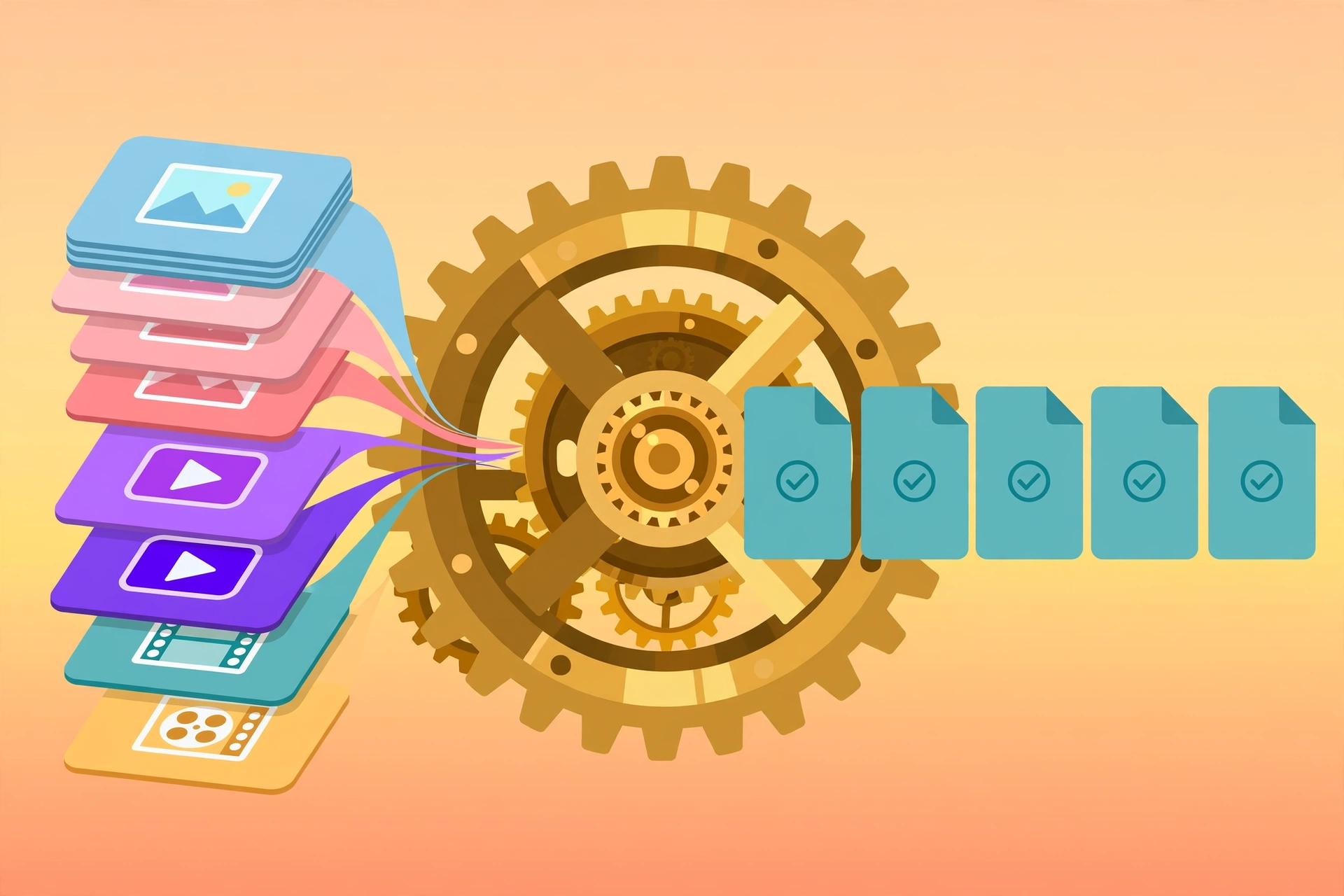
Apply one operation across a whole directory of images, videos, or audio: batch compression, watermarking, format conversion, resizing, aspect-ratio changes, loudness normalization, and more.
The directory-batch version of image-editing / video-editing / audio-editing. list previews the file scope first, then run; output goes to <dir>/batch_out/ by default — never overwrites originals. Sequential execution; failed files are listed separately without stopping the run.
Example invocation: "Compress all images in this folder to 500KB."
Full brief
Positioning
batch-process is the directory-level batch tool: one operation applied uniformly to every image/video/audio file in a directory. It's the batch version of image-editing / video-editing / audio-editing — traversal, delegation, and result summary only.
Core capabilities
- Directory-wide application: one operation across all same-type files in the directory.
- Image ops: resize / crop / pad / convert / compress / watermark / round / thumbnail.
- Video ops: compress / aspect / watermark / speed / gif / frame.
- Audio ops: convert / normalize / denoise / fade / speed / trim.
- Preview first:
listpreviews the file scope beforerun. - Safe output: defaults to
<dir>/batch_out/, never overwrites originals; failed files listed separately, never stopping the run. - Sequential: avoids high load; large jobs take time.
Workflow
- Confirm directory, file type, operation, parameters
listpreviews which files will be processed- Test uncertain parameters on a single file first
runand report success/failure counts
Inputs & outputs
| Input | Required | Notes |
|---|---|---|
| Directory | Yes | Directory of files to process |
| Type | Yes | image / video / audio |
| Operation | Yes | ops subcommand |
| Operation params | Varies | Pass through after -- to the ops script |
Output: processed same-name files (default <dir>/batch_out/) + success/failure counts.
Boundaries with adjacent skills
| Skill | Lane |
|---|---|
| batch-process (this) | Directory-level batch processing |
| image-editing / video-editing / audio-editing | Single-file processing (parameter testbed) |
Fit
- Compressing / watermarking / converting a batch of images
- Batch vertical-video conversion / compression
- Batch audio normalization / format conversion
Before you start
- No API key.
- Use
--ext(e.g..mp3/.png) to change output format, otherwise extensions carry over. - Test uncertain parameters on a single file first to avoid batch rework.
batch-process is part of the Aiglade Skill library. Invoke it from the Aiglade chat box in plain language.