file-organizer · File Organizer
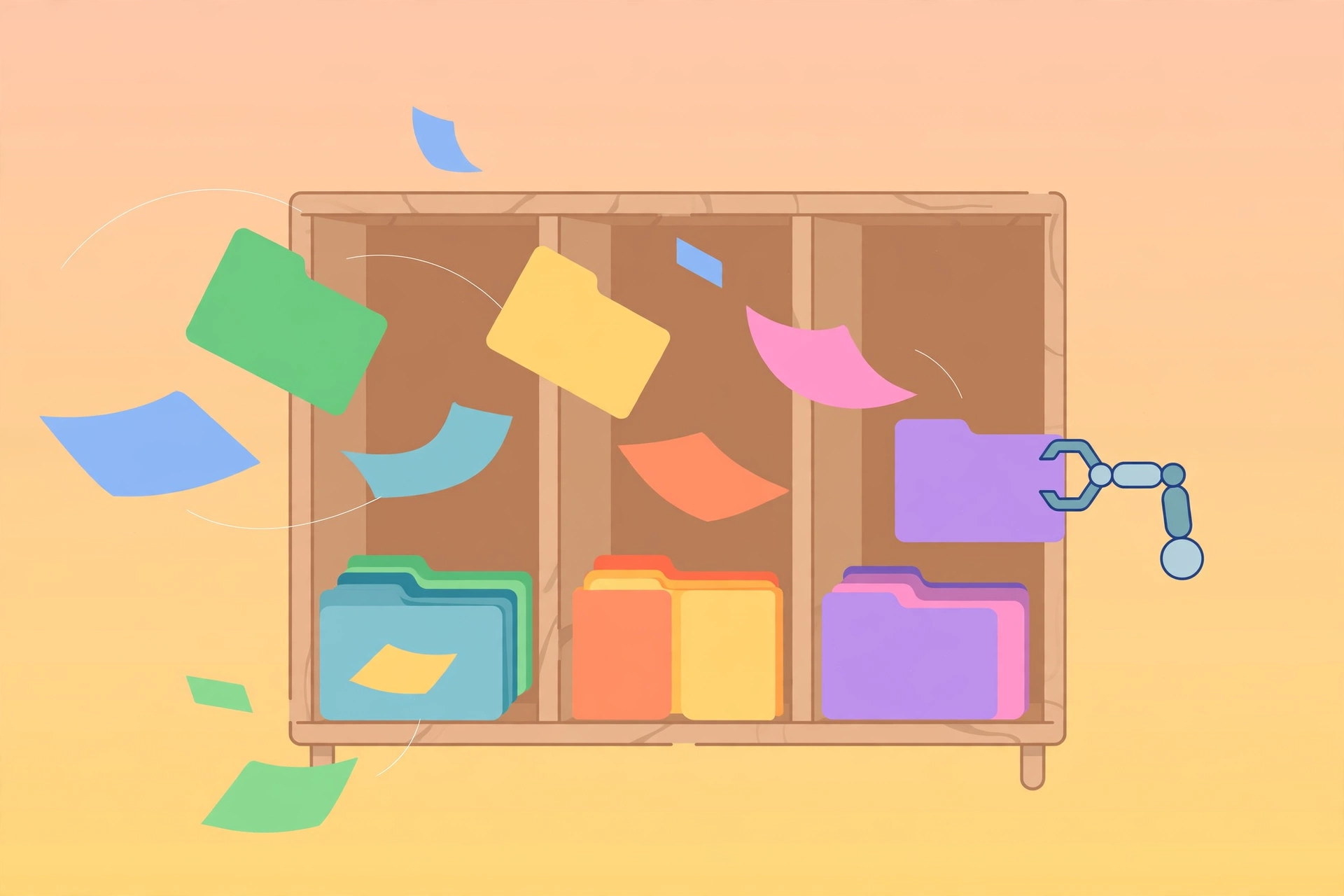
Intelligently organize files and folders across your computer: analyze the current state, find duplicates, suggest a better structure, and execute cleanup once approved.
Starts by understanding scope (target directory, problem, off-limits areas, intensity), then analyzes and proposes a plan: create folders, move/rename files, archive old ones, handle duplicates. Never deletes without confirmation; every move is logged for traceability. Afterward: maintenance tips and handy commands.
Example invocation: "My Downloads folder is a mess — help me organize it."
Full brief
Positioning
file-organizer is your personal organization assistant: it turns chaotic folders into clear structures. It proposes a plan and only acts after your approval — nothing is ever deleted without you.
Core capabilities
- State analysis: file counts/types/sizes/date ranges, pinpointing structural problems.
- Duplicate detection: hash-exact, same-name, and same-size methods; keep/delete recommendations (usually the newest or best-named), confirmed before any deletion.
- Plan design: grouping by type (documents/images/videos/archives/code), by purpose (work/personal/active/archive), or by date.
- Automatic execution: after approval — batch folder creation, moves, renames ("YYYY-MM-DD - Description" suggested), every move logged for traceability.
- Maintenance advice: weekly/monthly/quarterly/yearly cadence plus handy commands (find recent files, find duplicates).
Workflow
- Understand scope: target directory, main problem, off-limits areas, intensity (conservative/thorough)
- Analyze and summarize: file counts, type mix, size spread, date ranges, obvious issues
- Find duplicates (when requested) with keep/delete recommendations
- Propose the plan (current state + suggested structure + concrete changes + files needing your call)
- Execute after approval: create → move → rename → archive
- Deliver summary: what changed, the new structure, maintenance tips
Inputs & outputs
| Input | Required | Notes |
|---|---|---|
| Target directory | Yes | e.g. Downloads, Documents, a project folder |
| Problem description | Optional | Can't find things / too many duplicates / no structure |
| Off-limits | Optional | Current projects, sensitive data, etc. |
| Intensity | Optional | Conservative vs. thorough |
Output: organization plan → the new structure + maintenance tips after execution.
Fit
- Cleaning up a chaotic Downloads folder
- Duplicate sweeps in a documents directory
- Separating active from archived projects
- Organizing photos by date (year/month)
- Separating work from personal files
Before you start
- No API key; organizing local files needs access to those directories.
- Hard rules: confirm before any deletion; log all moves; stop and ask on filename conflicts; stop on surprises.
file-organizer is part of the Aiglade Skill library. Invoke it from the Aiglade chat box in plain language.