green-screen · Green Screen Keying & Compositing
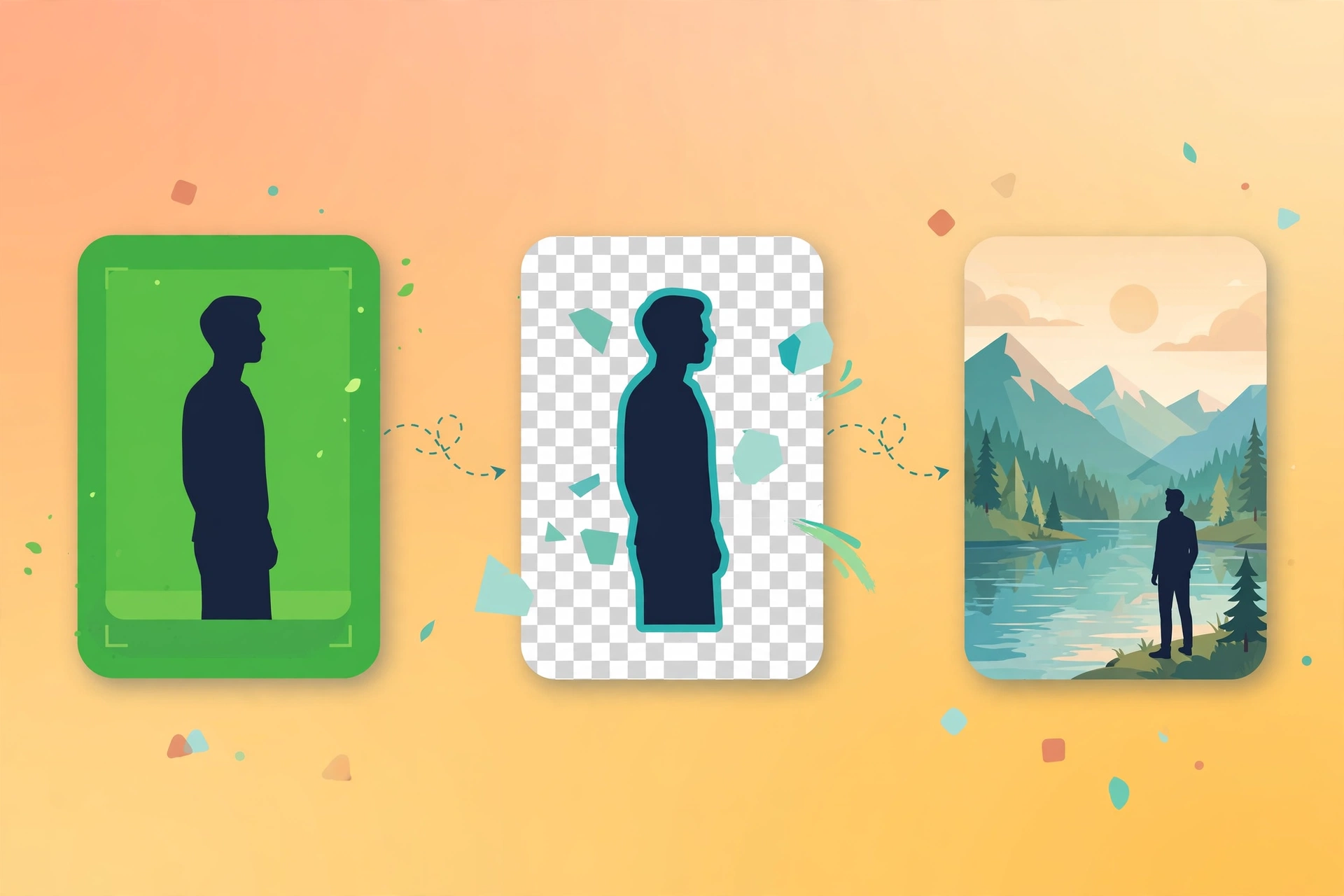
Green-screen (or blue-screen/custom-color) keying and background compositing: extract a subject shot on green screen and composite it onto a new background.
Four background choices: image, video, solid color, or the subject's own blurred enlargement (depth-of-field feel). Deterministic scripts built on ffmpeg chromakey + despill, with spill suppression, edge blending, and automatic foreground-audio retention. Key quality depends on the source footage.
Example invocation: "Key the person out of this green-screen clip and put an office background behind them."
Full brief
Positioning
green-screen works on already-shot green-screen footage: key out the green (or blue/custom color) foreground and composite it onto a new background. It performs deterministic post-processing — it generates no new imagery.
Core capabilities
- Green/blue-screen keying: alpha matte from color distance; defaults to green
0x00ff00, blue via--color 0x0000ff. - Four backgrounds: image / video / solid color / subject's own blurred enlargement — pick one, mutually exclusive.
- Spill suppression & edge blending: despill handles green fringing automatically; edge softness adjustable.
- Auto-adaptation: backgrounds are scaled and cropped to the foreground frame; video backgrounds loop to match foreground duration; foreground audio is retained automatically.
- Tunable: raise
--similarityfor residue, raise--blendwhen edges get eaten,--colorfor blue screen.
Workflow
- Provide the green/blue-screen foreground video
- Choose one background: image / video / solid color / self-blur
- Run
chromakey.py keyintooutputs/<topic>/, with a resolution/parameter report - Fine-tune and re-run if keying is imperfect
Inputs & outputs
| Input | Required | Notes |
|---|---|---|
| Foreground video | Yes | Green/blue-screen footage |
| Background | Yes | Image / video / solid color / self-blur |
| Screen color | No | Defaults to green; 0x0000ff for blue |
Output: *-composited.mp4 plus a resolution/keying-parameter report.
Boundaries with adjacent skills
| Skill | Lane |
|---|---|
| green-screen (this) | Background replacement (keying composite) |
| video-reframe | Aspect-ratio change only; no background swap |
| ai-image-gen | Generates new images; doesn't touch shot footage |
| video-editing | General editing; no keying |
Fit
- Green-screen talking heads, courses, interviews needing new backgrounds
- Background replacement for virtual-scene streams and recordings
- Studio-look interviews and explainers on a budget
Before you start
- No API key needed; local ffmpeg processing, no metered cost.
- Key quality depends on the footage: screen cleanliness and lighting evenness are decisive — poor shoots can't be rescued in post.
green-screen is part of the Aiglade Skill library. Invoke it from the Aiglade chat box in plain language.