image-enhance · Image Enhancement
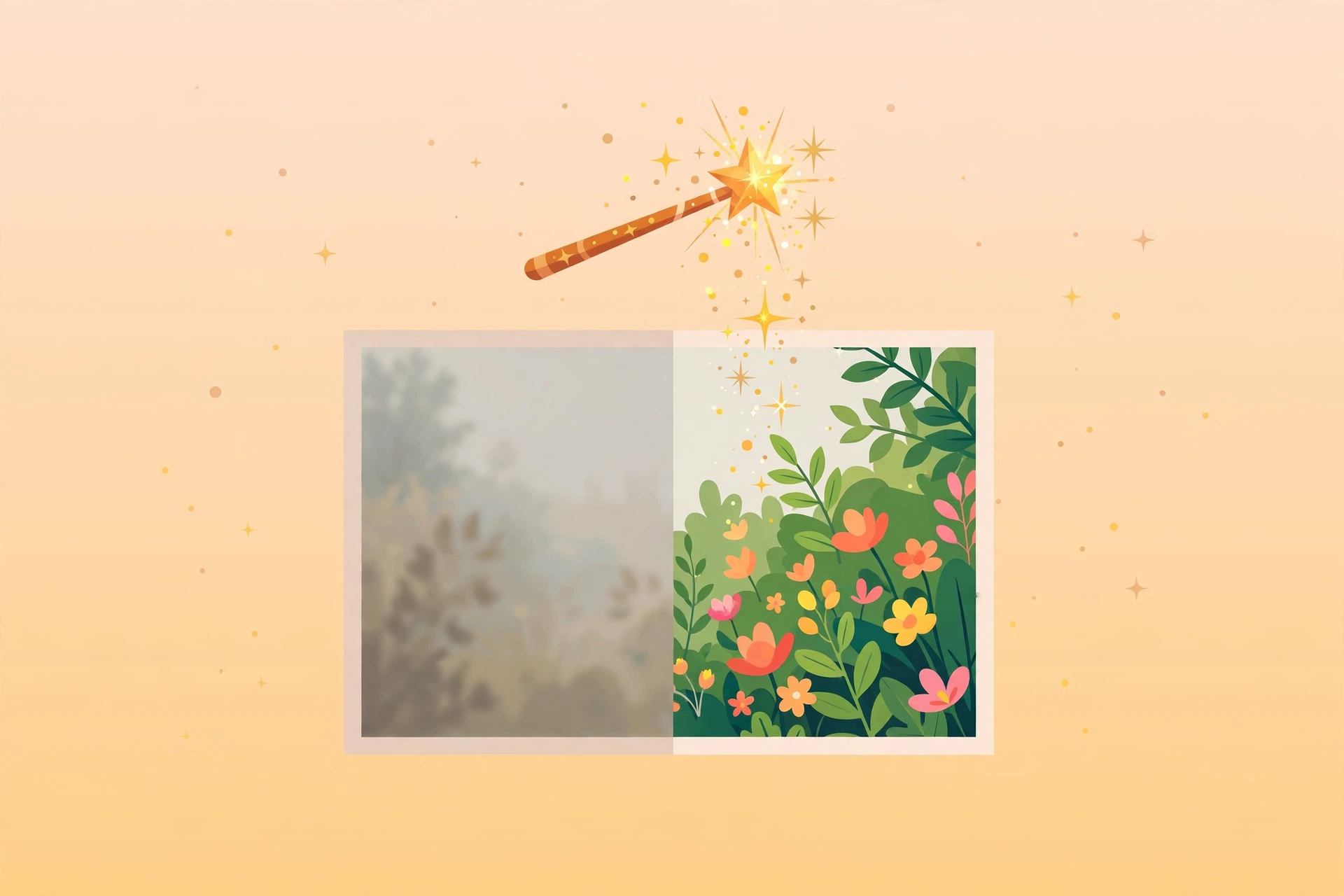
Image quality enhancement: high-quality upscaling (Lanczos 2x/4x) plus denoising, sharpening, and automatic contrast/saturation adjustment for blurry, dark, or noisy images.
Run a one-click --auto pass or control each step — denoise, sharpen, contrast, saturation — individually. Default is 2x upscale; upscale can also be disabled to enhance in place. Outputs the enhanced image plus an execution report (original vs. new dimensions, which enhancements were applied).
Example invocation: "Upscale this old photo 2x and denoise it" (with the image attached).
Full brief
Positioning
image-enhance is a deterministic image-quality tool: high-quality upscaling, denoising, sharpening, and tone adjustment for mildly blurry, noisy, or dark images. It is not AI super-resolution and cannot invent detail — it improves, not redraws.
Core capabilities
- High-quality upscaling: Lanczos resampling, 2x by default (
--scale 1enhances without resizing); avoid blind 4x — file size balloons with no new detail. - Denoising: OpenCV fastNlMeans, applied before upscaling so noise isn't magnified.
- Sharpening: UnsharpMask with adjustable strength (auto default 1.0).
- Tone adjustment: automatic contrast and saturation for dark or flat images.
- Execution report: original vs. new dimensions plus the list of enhancements applied.
Workflow
- Inspect the image and identify the problem (blur / noise / darkness)
- Pick parameters: add
--denoisefor noisy shots;--scale 1 --autofor tone-only fixes - Run
skills/shared/scripts/img_enhance.py enhance; outputs land inoutputs/<topic>/
Inputs & outputs
| Input | Notes |
|---|---|
| Image | Required — the image to enhance |
| Upscale factor | Optional — 2 by default; 1 = enhance without resizing |
| Enhancement steps | Optional — one-click --auto, or denoise/sharpen/contrast/saturation individually |
Output: enhanced image plus execution report, both under outputs/<topic>/.
Boundaries with adjacent skills
| Skill | Lane |
|---|---|
| image-enhance (this) | Traditional quality improvement: upscale, denoise, sharpen, retone |
| ai-image-gen | AI image-to-image upscaling/redraw that can generate new detail |
| image-editing | Routine operations: resize, crop, compress, watermark — no quality improvement |
Fit
- Upscaling old photos, screenshots, or chat captures before posting
- Quick brightening and tone correction of dark or flat real-world photos
- Denoising before upscaling so noise doesn't grow with the image
Before you start
- Pure local script (Pillow + OpenCV) — no API key, no metered cost.
- Set expectations first: badly blurred images can't become HD; those need ai-image-gen redraw instead.
image-enhance is part of the Aiglade Skill library. Invoke it from the Aiglade chat box in plain language.