remove-bg · Background Removal
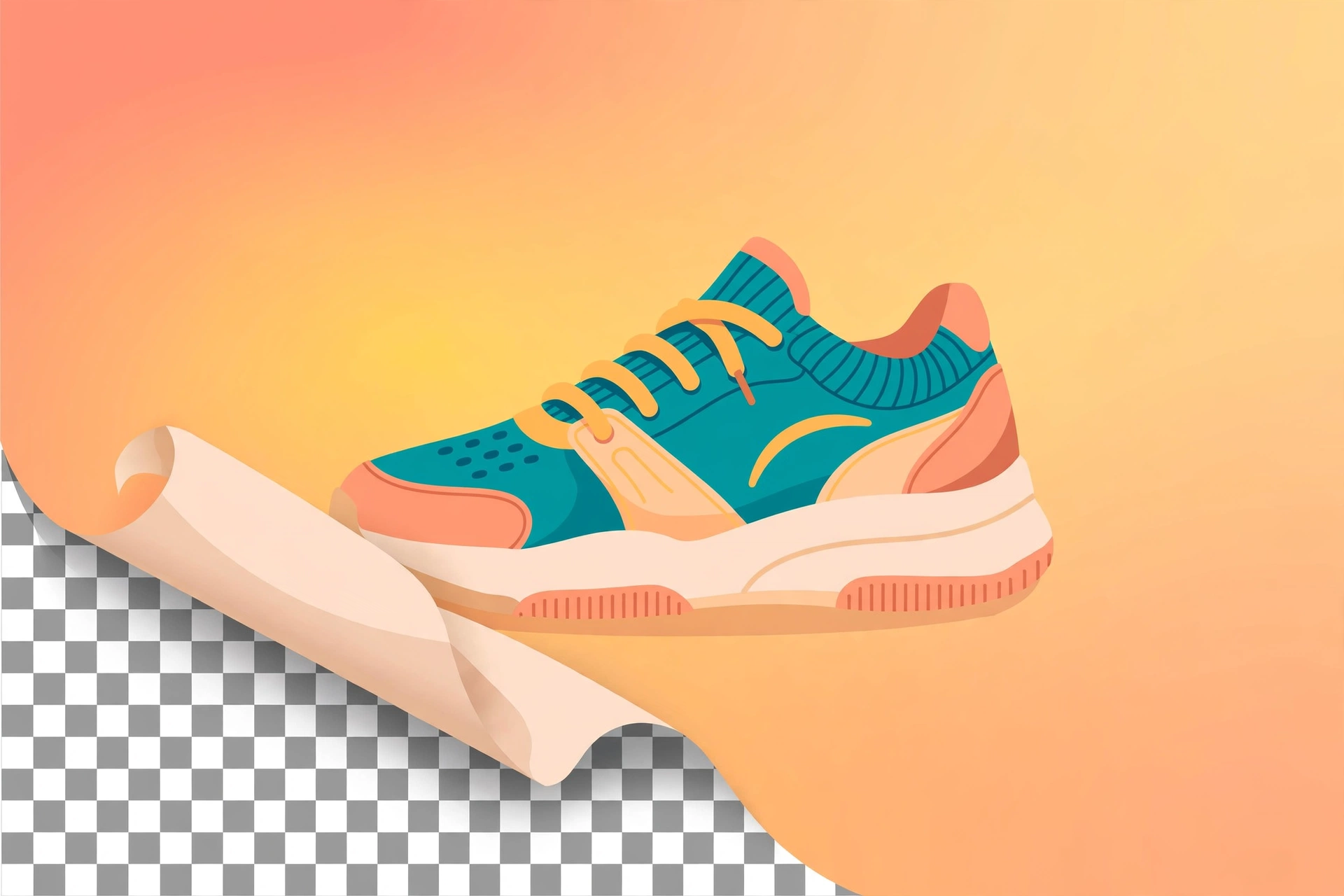
Extract subjects from any image with AI semantic segmentation: output a transparent PNG, or swap in a solid color (e-commerce white) or a new scene background. No green screen needed.
Local inference via rembg (u2net family); model tiers for general, portrait, and fine detail — --alpha-matting refines hair edges on portraits. Cutout quality depends on subject-background contrast.
Example invocation: "Cut this product out and put it on a white background."
Full brief
Positioning
remove-bg is a cutout tool for arbitrary images: AI semantic segmentation extracts the subject for transparent output or background replacement. It works on any existing image — no green screen required.
Core capabilities
- AI semantic-segmentation cutout: rembg (u2net family) + onnxruntime CPU inference, no GPU needed.
- Three output backgrounds: transparent (default, PNG output) / solid color / new image background (auto aspect-fill crop).
- Model choice: general u2net (default), lightweight u2netp, portrait-specific u2net_human_seg, finer isnet-general-use, compact silueta.
- Hair-edge refinement:
--alpha-mattingimproves hair/fur edges — slower but finer. - Deterministic script: model loading and background compositing fully wrapped.
Workflow
- Provide the image; run
checkto verify the model first - Pick a model (u2net_human_seg for portraits, u2net for products/general) and output background (transparent/solid/swap)
- Run
remove_bg.py removeintooutputs/<topic>/, with a model/background report - For rough edges, switch to a finer model or add
--alpha-mattingand re-run
Inputs & outputs
| Input | Required | Notes |
|---|---|---|
| Image | Yes | The image to cut out |
| Output background | No | Transparent (default) / solid color / new image |
| Model | No | General / portrait / fine — see model table |
Output: cut-out image (transparent → .png) + report (model used, background type).
Boundaries with adjacent skills
| Skill | Lane |
|---|---|
| remove-bg (this) | Cutout for arbitrary images (AI segmentation) |
| green-screen | Green-screen video keying (ffmpeg chroma key) |
| ecom-details-image | E-commerce visual plans; more than cutouts |
| image-editing | Standard resize/crop/watermark; no cutout |
Fit
- E-commerce product shots on white backgrounds
- Portrait cutouts for ID photos / poster backgrounds
- Transparent assets for social graphics
Before you start
- No API key; first run auto-downloads the model (~4–170MB) — needs internet (proxy supported).
- Transparent output must be
.png(JPG has no alpha); cutout quality depends on subject-background contrast — complex/low-contrast images can't be guaranteed perfect.
remove-bg is part of the Aiglade Skill library. Invoke it from the Aiglade chat box in plain language.